Developer from Turkey used Claude Code to clean junk off Android TV and got a speed boost

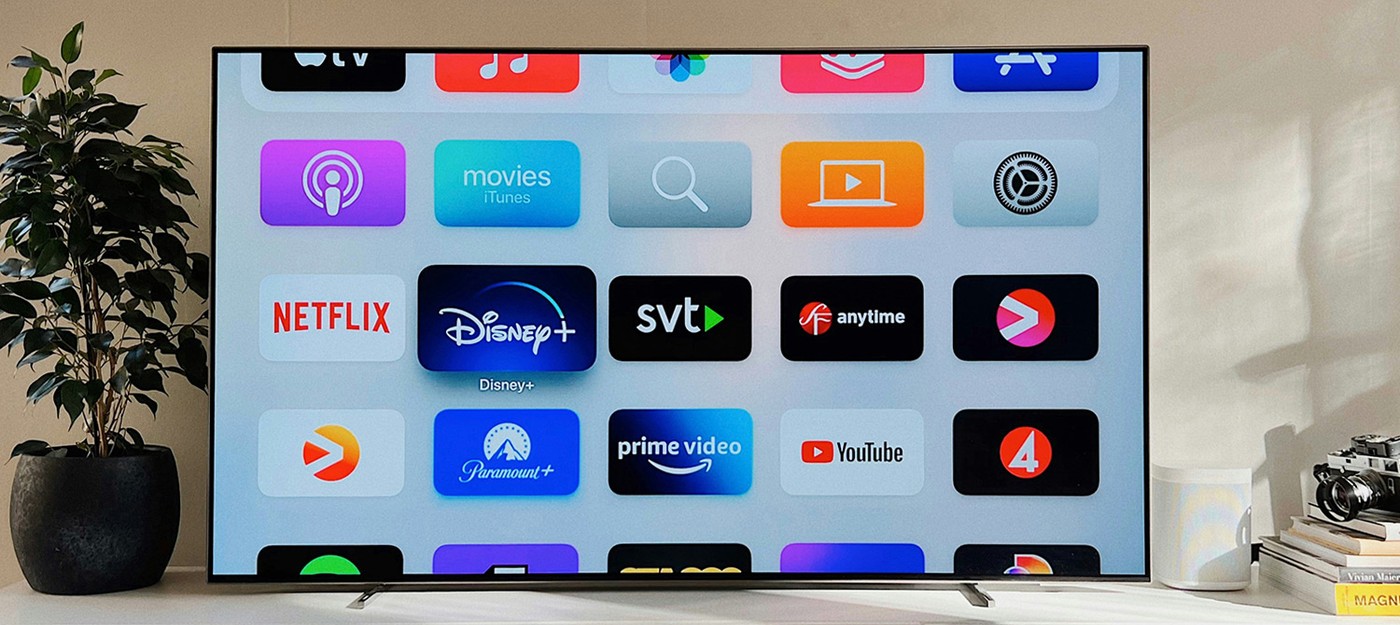
AI engineer Mert Cobanov, currently a Senior AI Engineer at Refik Anadol Studio, shared on X how he spent one morning bringing his Android TV back to speeds it never had, even out of the box. Claude Code did the heavy lifting after connecting to the TV over ADB. Cobanov described the result as "unbelievable."
According to Cobanov, all he had to do was open developer options on the TV and give the agent a task. Claude then took control on its own, deactivated unnecessary apps, installed the FLauncher alternative interface, and shortened system animation durations. None of it required root access.
Mert Cobanov, AI engineer:
This morning, I opened the developer options on my Android TV and told Claude to connect to the TV via ADB and debloat it. It started controlling the TV, deactivated apps, installed FLauncher. Shortened animation durations. Doing all this without root access, by the way.
Cobanov says the TV now runs smoother than it did four years ago when he bought it new. The issue is familiar to plenty of smart TV owners, since manufacturers cut corners on processors, RAM, and storage. Even a brand new TV often lags, and once app and system updates roll in – if they roll in at all – interface responsiveness tends to drop even further.
That's exactly why a market exists for set-top boxes and HDMI sticks like the Amazon Fire TV line. But going that route means an extra device, another remote, and more clutter in a home entertainment setup.
So other users could try this themselves, Cobanov put together a short guide on a dedicated site called "Clean up your Android TV." The entire cleanup breaks down into four steps, and the page ends with the full text of the prompt Cobanov fed to Claude Code. The same approach works with Codex too, and the prompt can be copied and tweaked for any TV.
The guide comes with warnings worth reading before experimenting on your own set. The key safety point is that apps aren't deleted, only deactivated, so any change can be reversed.
Nothing is uninstalled, so every step can be reversed. The agent keeps a list of what it disabled, so telling it 're-enable everything you disabled' is enough.
The guide also spells out how to bring back a specific app if it turns out to still be needed after the cleanup. The agent logs its own actions, so restoring anything comes down to a single text command.
This isn't the first time Claude Code has been put to work on tasks far removed from typical programming. Enthusiasts previously used it to modify a laptop BIOS, defeating an RSA-2048 signature check and unlocking 55 hidden firmware settings.