How to save a car you like in Cyberpunk 2077

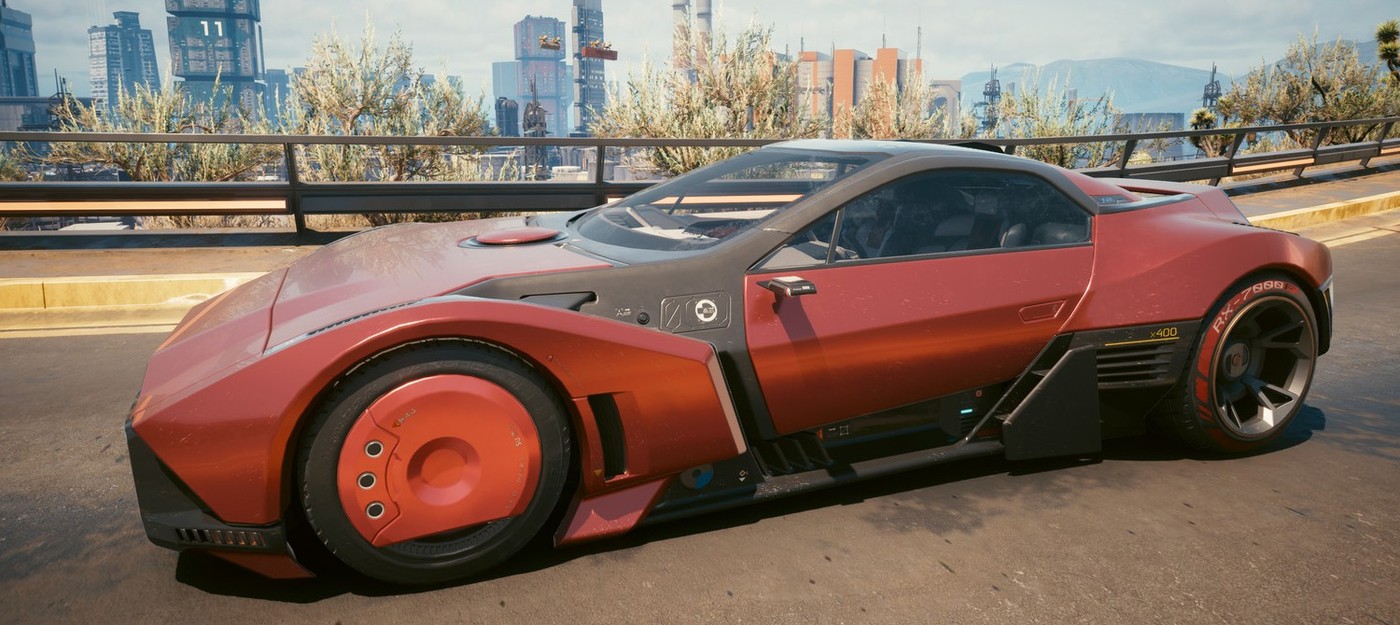
Spotting the car of your dreams on the streets of Night City is easy. Actually keeping it is a different story.
Cyberpunk 2077 isn't GTA, and yanking the driver out of their seat won't let you drive off with their ride forever. The standard route is simple: find the model you like, look it up at a Fixer, and buy it with your own eddies.
But Cyberpunk 2077 hides a feature that plenty of longtime players are only discovering years after launch. It's called CrystalCoat, a paint system added back in Update 2.0.
Here's how it works: scan any car on the street, and a tab called TwinTone pops up with the option to save its color scheme. Standard paint jobs run around 100 eddies, while unique schemes tied to a specific model cost more.
Once saved, buy that same model from a Fixer and apply the color you scanned earlier.
There are a few catches easy to miss. Storage is limited to four unique schemes and eight standard colors per vehicle.
Take enough damage or lose a part like a door, and CrystalCoat shuts off until repairs are finished. On the upside, switching colors on the fly helps shake off the cops, working similarly to repaints in other open-world games.
Buying the cars themselves comes with its own progression requirements. The legendary Rayfield Aerondight Guinevere needs around 40 street cred and access to chapter two, or it simply won't show up on the list.
Bikes are a separate headache entirely. CrystalCoat doesn't work on them at all, so those slick gang paint jobs on motorcycles stay completely out of reach.
PC players get a workaround through mods, which add dozens of extra vehicles to the call list and let you change the appearance of any car or bike.