Gamer used AI Claude to create free protection for RTX 5090 from power connector melting

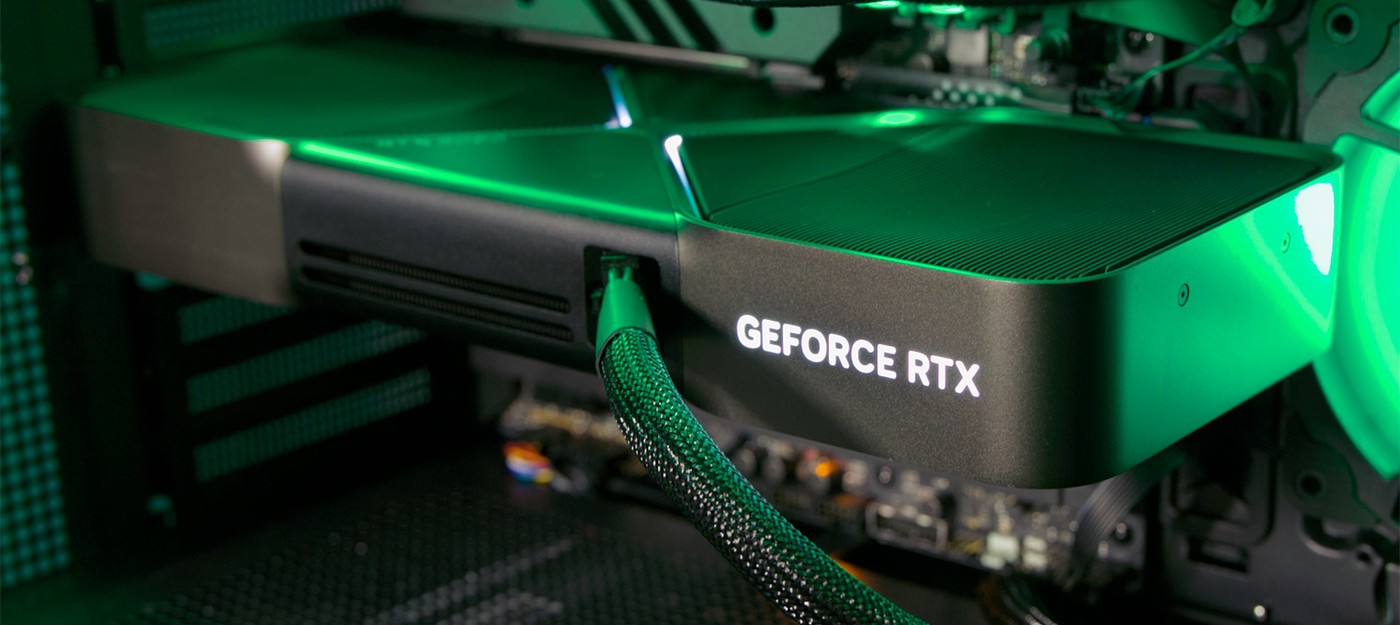
Many owners of NVIDIA top-end graphics cards live in fear of the high-density 12+4-pin connector that powers their GPUs. This connector has shown questionable reliability compared to older PCI Express connectors, largely due to its extremely thin safety margin.
One gamer decided that the existing protections on his card weren't enough, so he built a free tool that completely shuts down the PC if current on a pin runs too high for too long.
The utility goes by the somewhat ironic name "12VHPWR Guard," even though none of the supported cards actually use a 12VHPWR connector. Main support goes to two cards, the ASUS ROG Astral GeForce RTX 5080 and GeForce RTX 5090, both featuring the updated 12V-2x6 connector.
The modified connector was an attempt to reduce the risk of melting through a small dimensional change, forcing users to fully seat it into the card. However, the main power wires and their contact points stayed the same, so the overheating problem sticks around.
The developer explained that the utility only supports these two cards because ROG Astral GPUs come with separate current sensors on each pin. That said, the ASUS ROG Matrix RTX 4090 and RTX 5090 also have these sensors, and at least the Matrix RTX 5090 is listed as supported on GitHub.
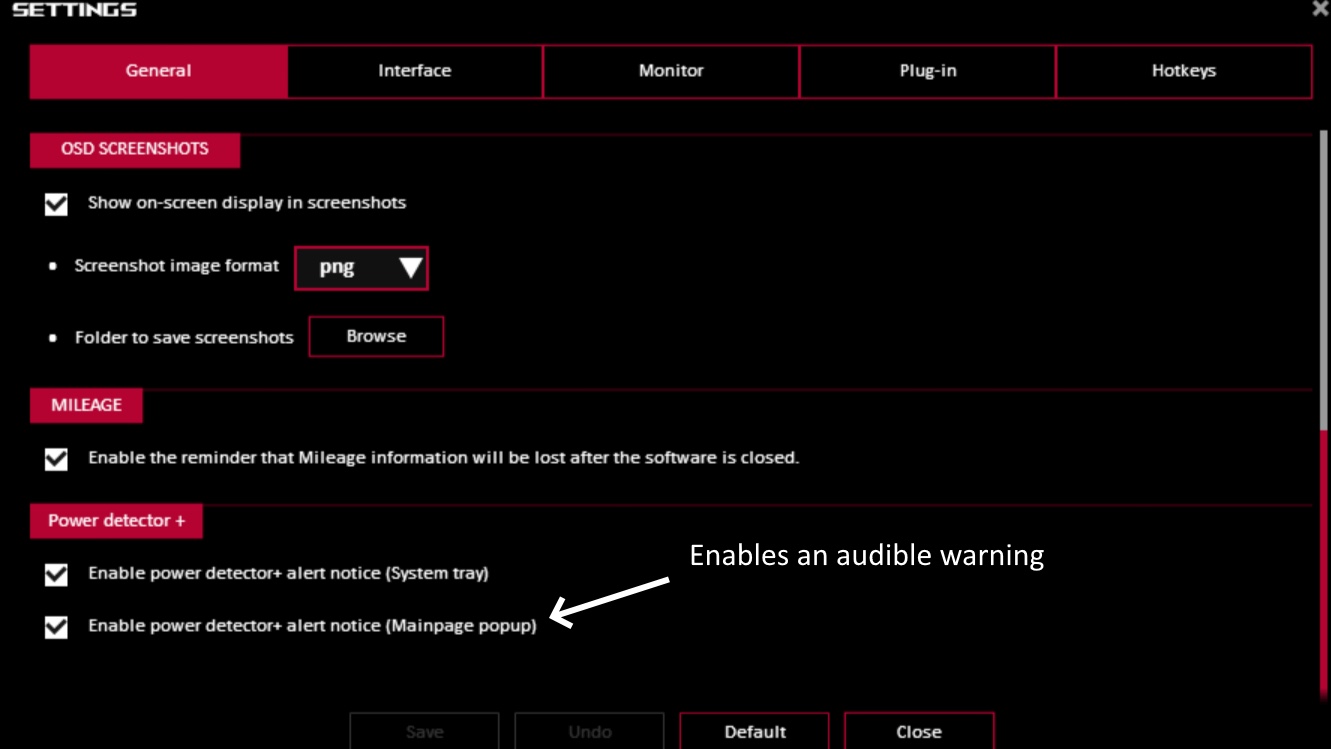
He also noted that ASUS GPU Tweak III software can flag a warning when power draw gets too high, but that notification "does nothing" if he's in a game or away from the computer. The app does support an audio alert when a set limit of 9.2A on any single pin gets exceeded, though.
The app, built by Humza Khalid with help from Claude AI, is simple and completely free. You can download it here – it needs just 35MB of RAM and barely any CPU time, polling the card I2C bus twice a second to grab current readings.

Hovering over the system tray icon shows the current peak power draw on any of the six +12V pins on the power connector. The pins are rated for roughly 9 amps, ASUS sets its warning threshold at 9.2A, but Khalid configured the tool to trigger at anything above 9.5A sustained for 15 seconds.
If that window gets exceeded, the utility abruptly shuts down the system, forcibly closing any apps that get in the way. Both the current threshold and the required duration can be adjusted, so users can set looser or stricter parameters.
The app turned out to be surprisingly capable. It supports monitoring through HWiNFO shared memory if it can't access I2C for some reason, and it also handles pop-up notifications and logging through the Windows Event Viewer.
The utility is also smart enough to detect when it loses signal from the sensors, rather than falsely reporting everything is fine when there's actually no data coming in. Given how expensive these graphics cards are, it's easy to see why owners resort to measures like this.
Failures like this aren't widespread, but the fact that they happen at all points to just how thin the safety margin built into the connector really is.
Only Windows 10 and 11 are supported for now, and Python 3.10 or higher is required, which is why such a simple app still needs 35MB of RAM. Worth remembering that the utility doesn't replace checking that the graphics card and its 12V-2x6 connector are properly seated.
- Enthusiast turned a mini-PC into a fully passively cooled mini-server and retained 95 percent of performance
- RAM prices have rolled back to 2007 levels – AI destroyed 20 years of progress in a matter of months
- PC owner gathered cables into one bundle using several dozen zip ties and got a spine inside the case