PC owner gathered cables into one bundle using several dozen zip ties and got a spine inside the case

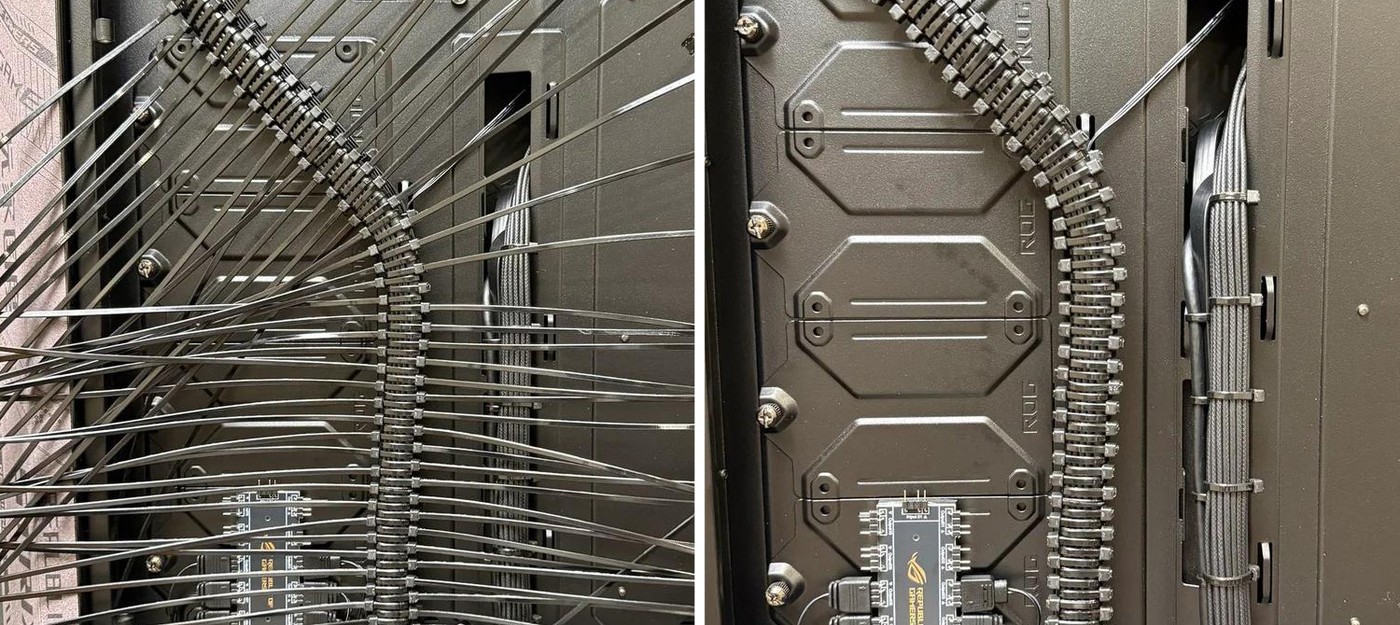
Two shots of the back panel of an ASUS ROG case show cable management taken to its absolute limit.
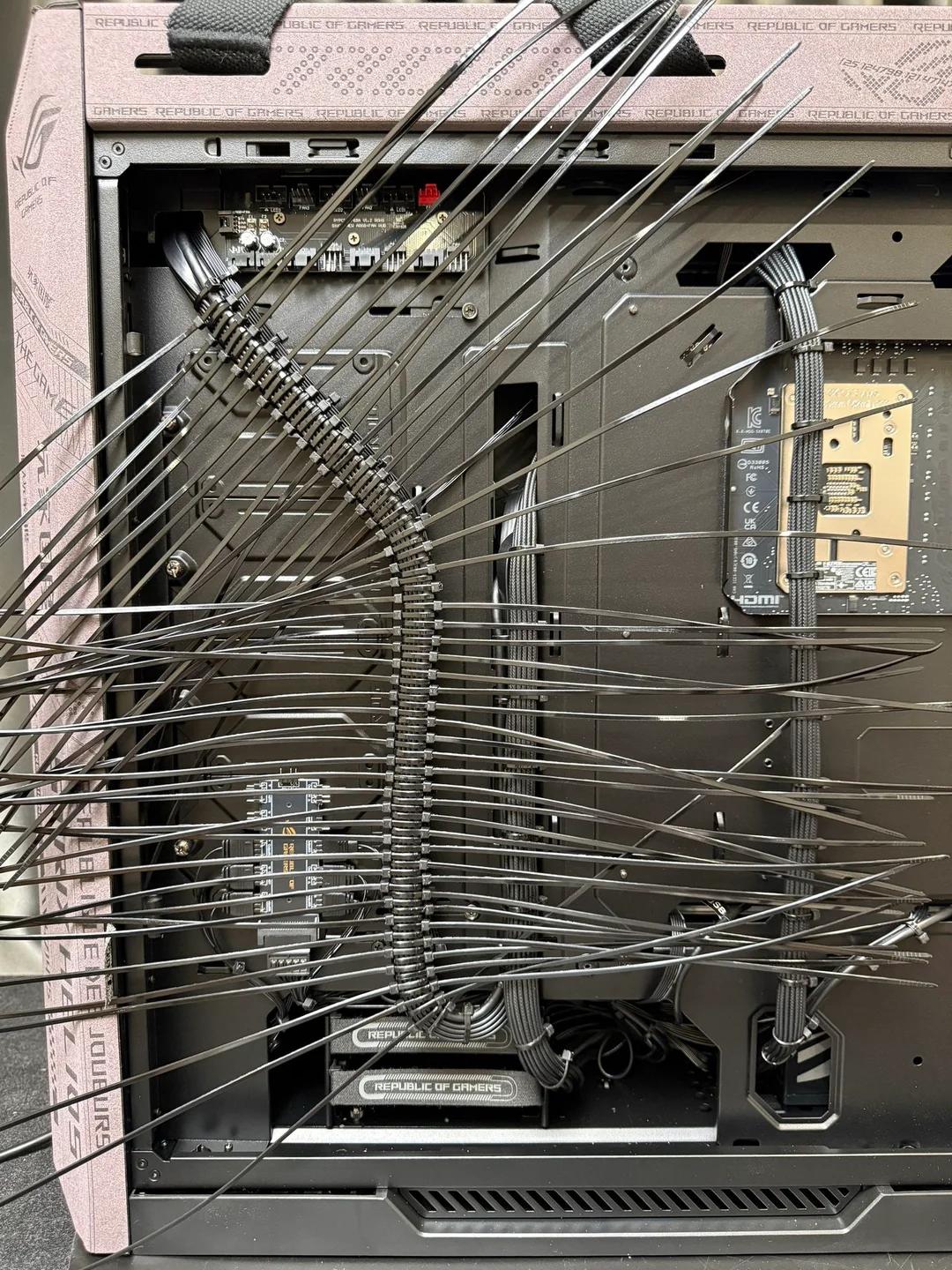
The first photo shows the starting point – cables are already bundled, but the harnesses still have long loose ends, giving the whole thing the look of some giant centipede living inside the case.
In the second shot, those same wires get pulled into a single tight bundle running from the top edge of the case, looking like a spine or one of Doctor Octopus tentacles.
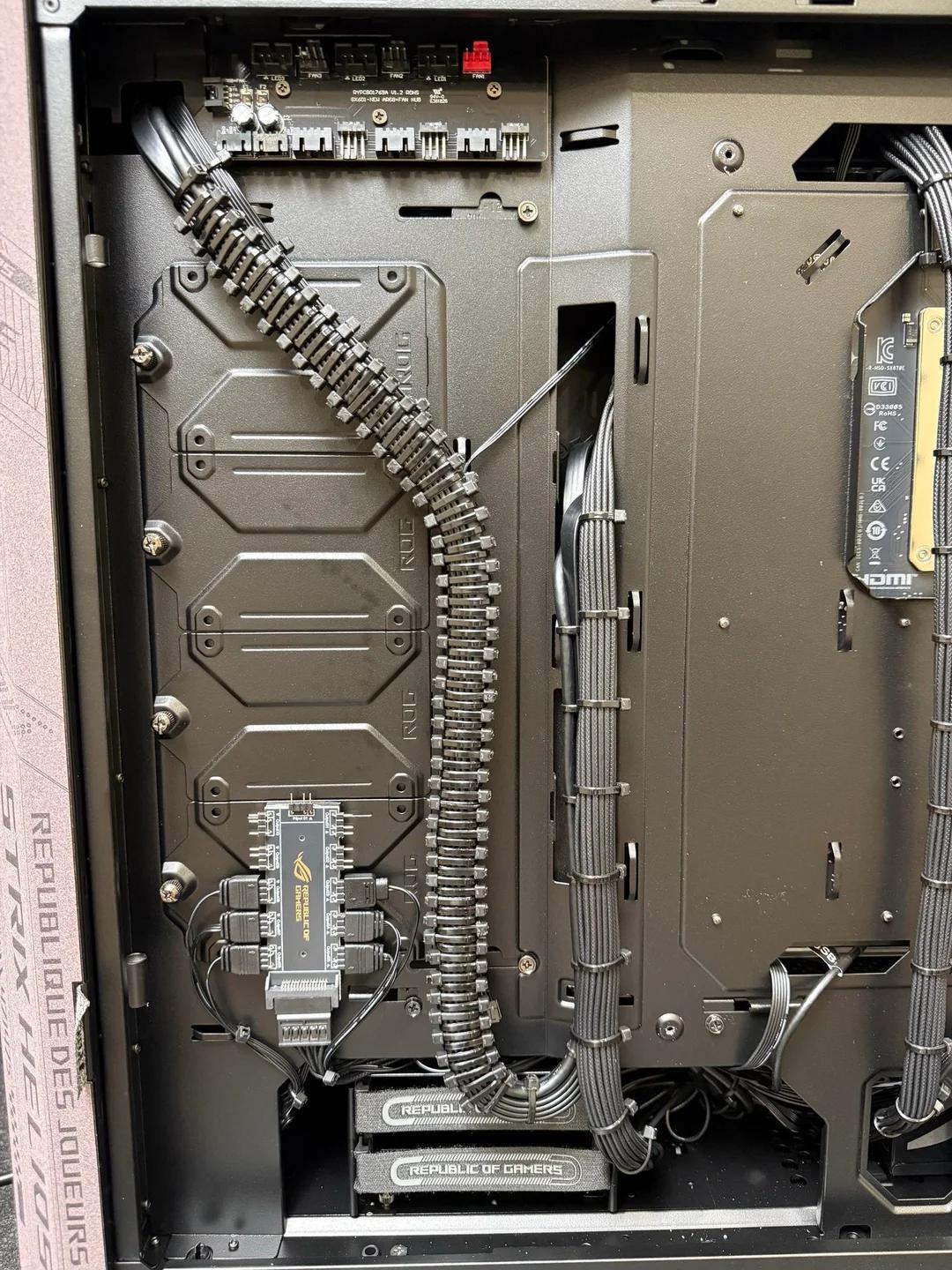
This kind of setup works because of how lighting and fan cables are built. The hub inside ROG cases pulls wires from every fan and ARGB strip into one spot, and those cables are thin, the same diameter, and long enough to spare. Bundling them into a neat harness is much easier than doing the same with the thick power cables from the PSU, which in the same photo are routed the normal way.
The practical side of things raised way more questions than the looks did. The biggest complaint comes down to maintenance – swapping out even a single wire means cutting the entire bundle apart. Several people with data center experience pointed out that snipping that many zip ties with cutters makes it easy to nick the insulation on nearby wires.
There is also a potential heat problem. A tightly bound bundle sheds heat worse than loose cables, and electricians noted that during installation, zip ties are deliberately not cranked all the way down. It is not about fire risk, but about extra heat getting trapped inside the bundle.
More practical options for the same job that people brought up include:
velcro straps, which can be removed and reattached without cutters
a split cable sleeve that hides the whole bundle
a cable channel running along the case wall
waxed lacing cord, still used in aircraft wiring today
So while the end result might look great for a photo shoot, in practice it just creates headaches down the line.