How to customize your character in Hytale and unlock bonus capes

Hytale offers detailed avatar customization, allowing players to create a unique character or bring their own image to life in the blocky world. The appearance system uses a 64x tile style, providing more opportunities for detail compared to classic Minecraft. One of the first mods for the game already offers a return to 32x aesthetics, but the base customization tools are flexible enough for most players.
Accessing the character customization menu
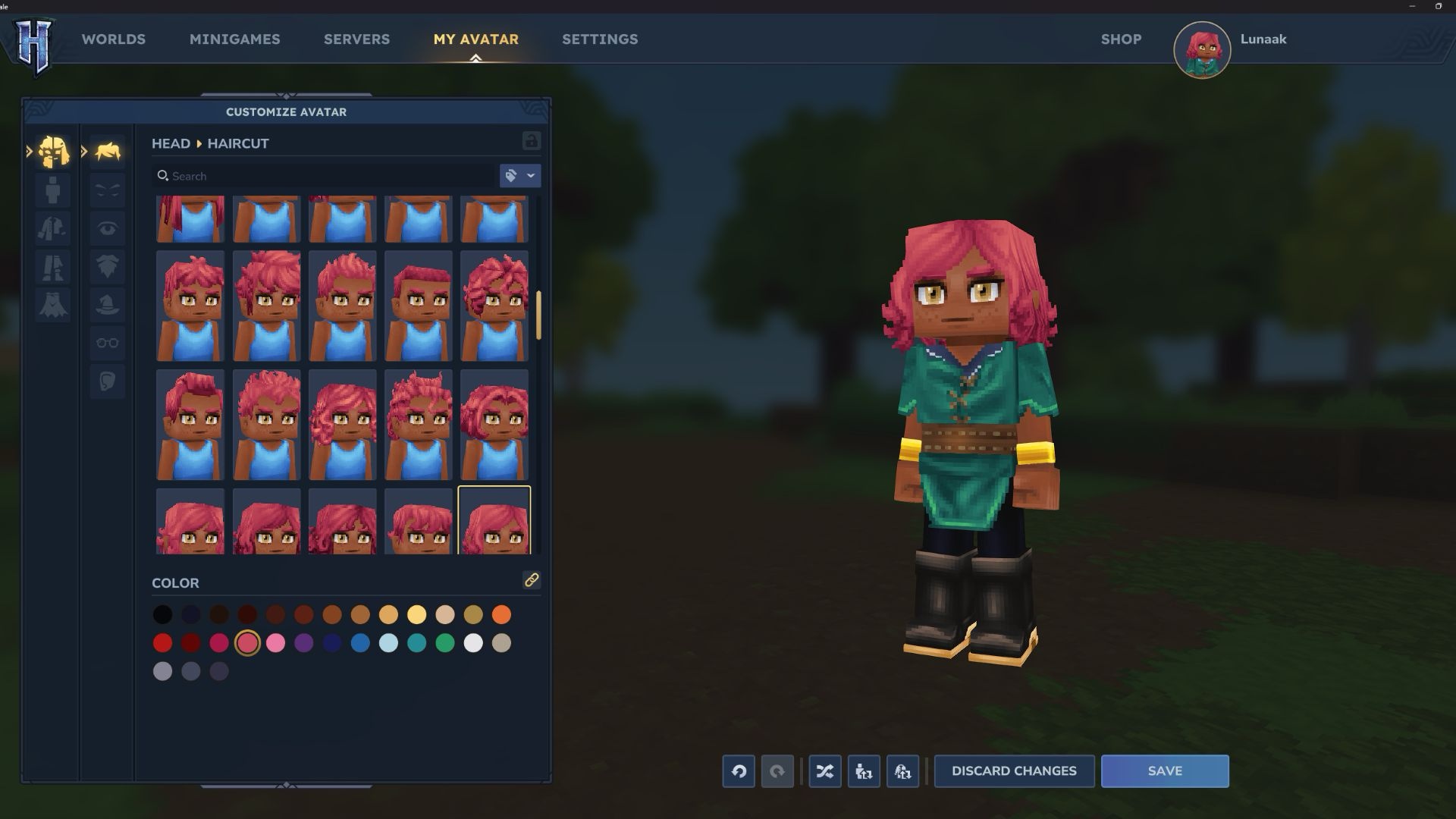
On first launch, the game assigns a default skin – typically a female character with curly hair in an adventurer outfit. However, Hytale doesn't prompt you to create your own hero before starting the game, so you'll need to return to the main menu to edit your appearance.
If you've already started playing, there's no need to worry – creating a new look doesn't reset your progress. Simply press ESC and return to the main menu. Autosave will record your current position and world state. In the main menu, select the My Avatar section, which opens the complete set of tools for changing your appearance.
No gender restrictions
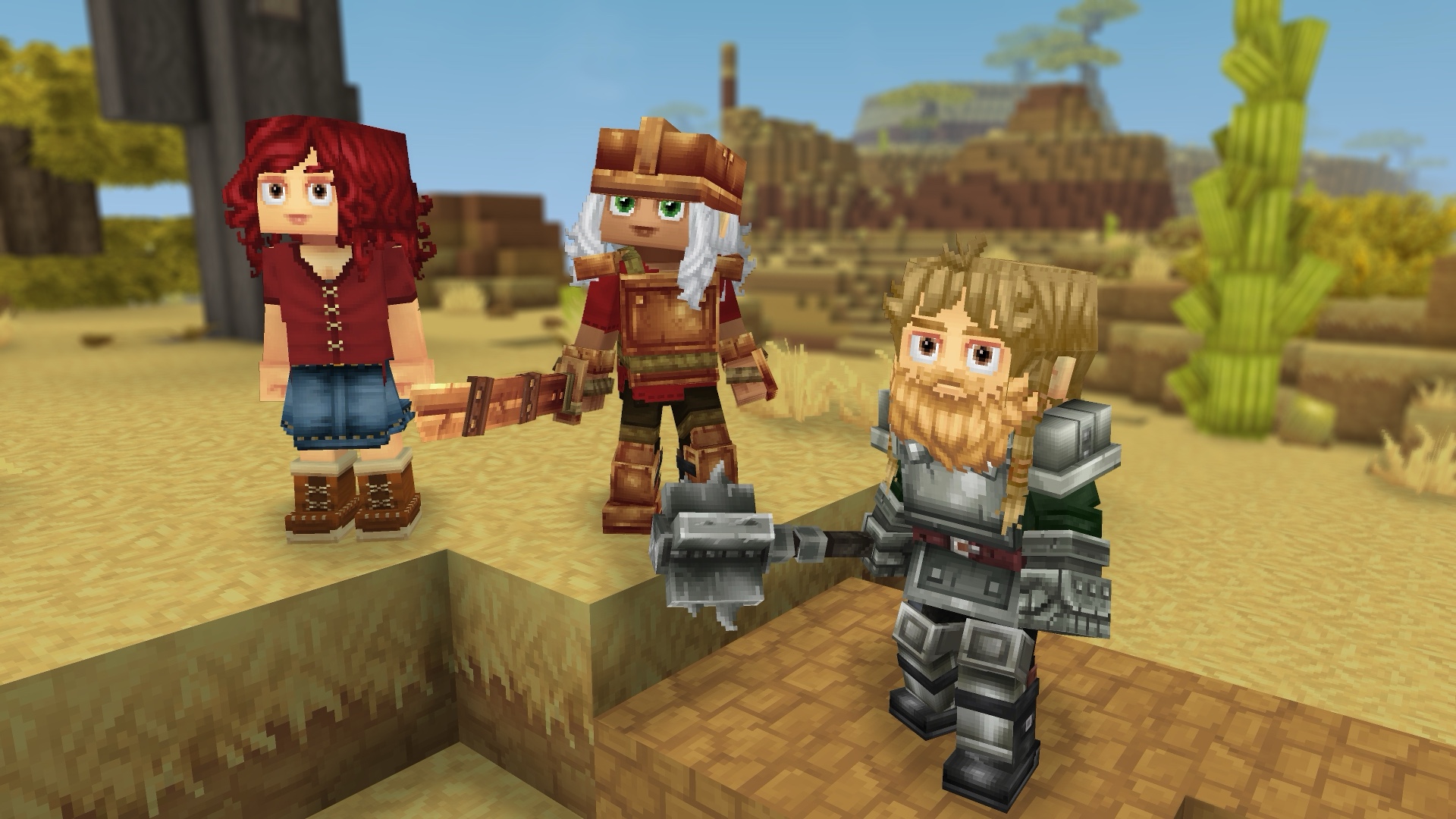
In Hytale, there's no choice between male and female characters. The game doesn't offer binary "boy" or "girl" options and doesn't divide body types by gender. Instead, it provides free avatar styling with any combination of clothing, hairstyles, and facial features.
This approach means all customization elements are in shared categories without division into traditionally masculine or feminine options. The hairstyle list includes all variants at once, requiring more scrolling to find the desired style.
The clothing selection is currently limited but includes pants, jeans, shorts, skirts, and dresses. Full armor sets hide base clothing during world exploration, but personal style underneath the armor adds individuality to your character.
Adjusting skin tone
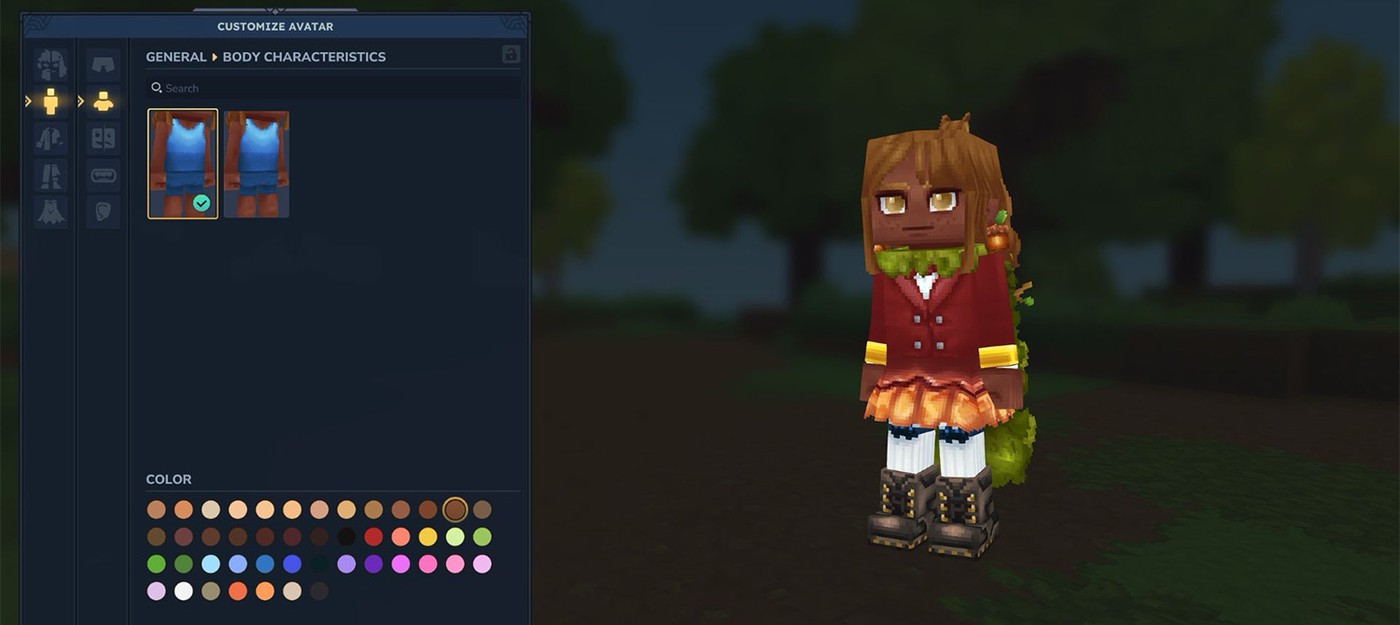
Changing skin tone is available in the My Avatar section of the main menu. In the second Body tab, select the second sub-tab on the right – Body Characteristics. This section lets you switch between normal and muscular builds and offers more than three dozen skin tone options.
Activating preorder bonuses
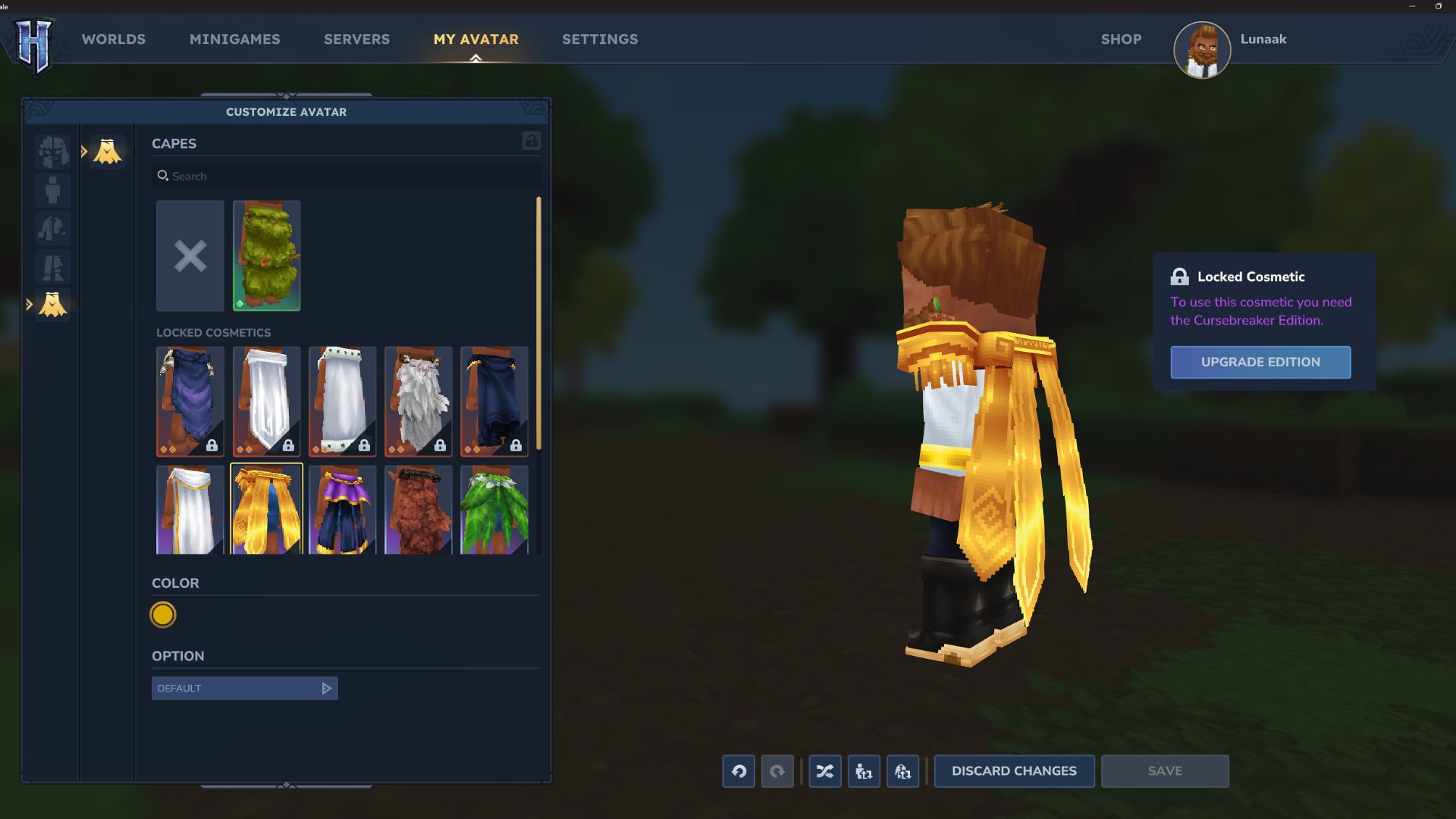
Preorder bonuses from the Standard, Supporter, and Cursebreaker editions – including the New Beginning and Blazen Wizard Cape capes – are located in the final tab of the customization menu. Each cape can be recolored and customized with neck and shoulder decorations, adding extra personalization options for those who supported the project early.