Three years at 100 degrees – i7-12700K processor worked fine without thermal paste at all

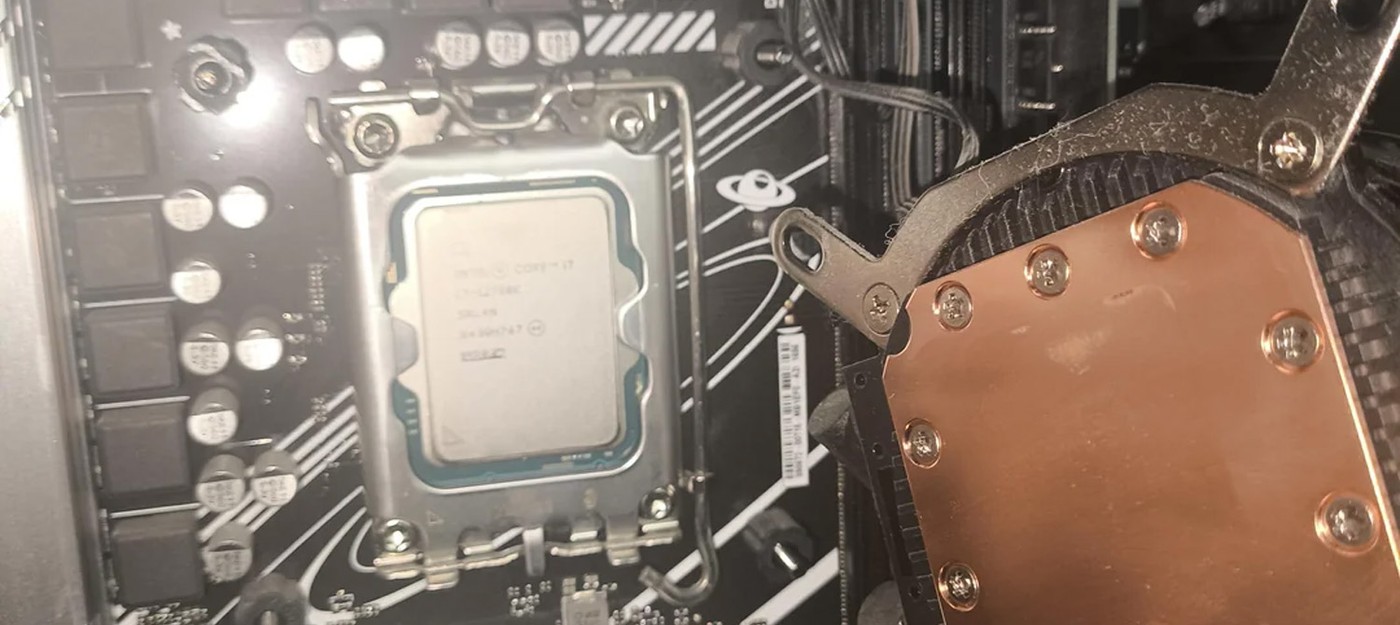
A pre-built PC from a store sells itself on a promise of peace of mind: someone else already put it together, tested it, and got it running. Sometimes that promise turns out to mean there wasn't a single drop of thermal paste under the water block, and the processor spent its entire life teetering on the edge of self-destruction while somehow still working.
That's exactly the discovery a work PC owner described after finally peeking under the liquid cooling setup three years into using the machine.
The Intel Core i7-12700K lid and the copper water block base turned out to be spotless, without a single trace of thermal compound. Whoever assembled the system simply forgot to apply paste before mounting the cooler, and nobody noticed, including the buyer.
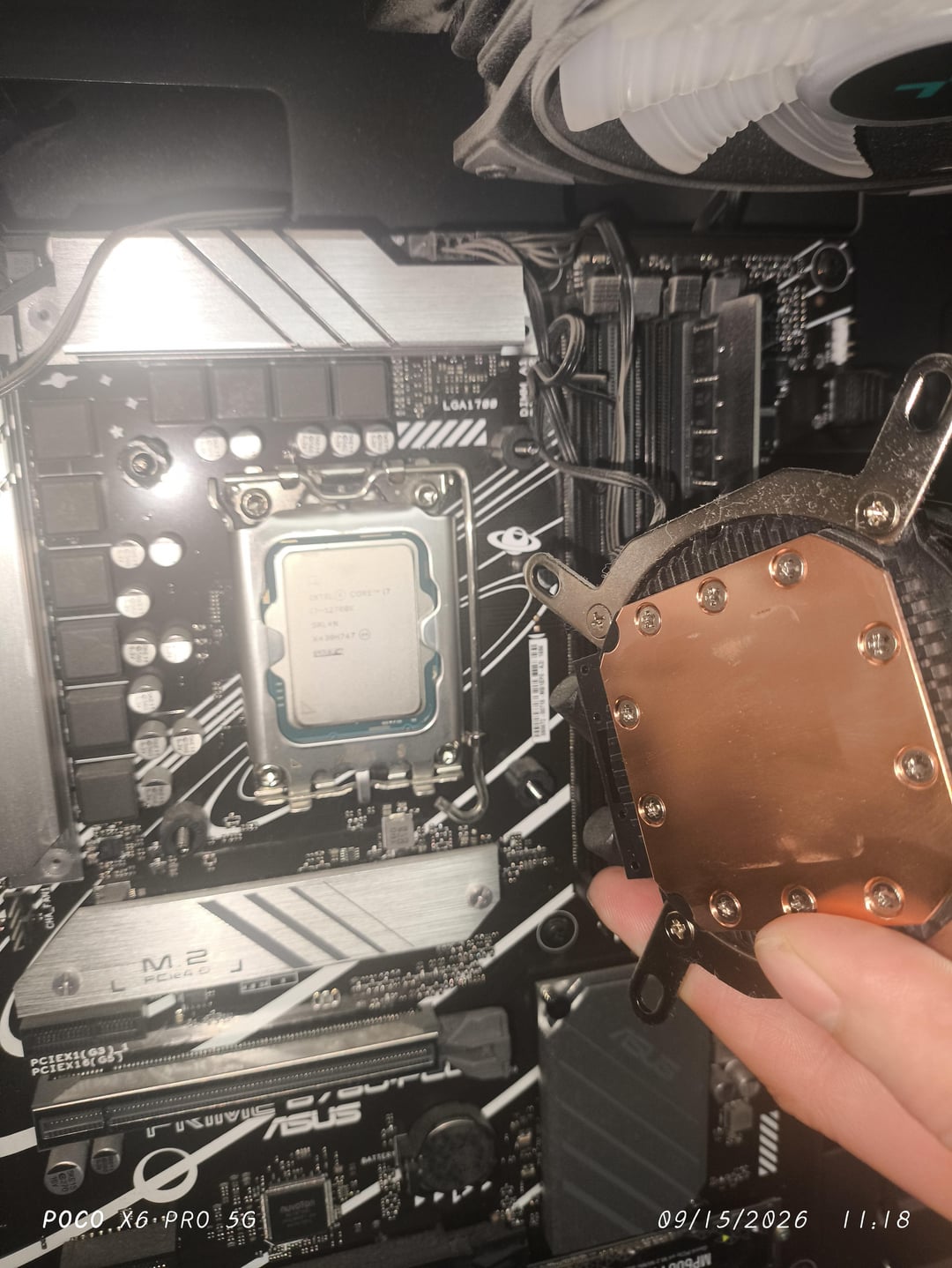
The funniest part is that the hardware kept running the whole time. Alder Lake chips cap out at 100°C, and once they hit that ceiling, they start throttling clock speeds to protect themselves from overheating. An OCCT test showed exactly a hundred degrees, meaning the system had been surviving on thermal throttling for years, quietly giving up a chunk of its performance the entire time.
The cherry on top was the owner second discovery: the AIO radiator fans were mounted to intake air instead of exhaust it.
Contact between the lid and the cooler base without paste only happens at microscopic points, and everything else is filled with air, one of the worst possible heat conductors for this job. Thermal paste doesn't improve contact so much as fill in microscopic imperfections, and its absence typically means a temperature difference of 30 to 50 degrees.
Running at the thermal limit for extended periods damages silicon through electromigration, gradually degrading transistors and power delivery circuits. Commenters in the thread brought up Intel extended warranties, which the company handed out to owners of 13th and 14th gen chips following the microcode issue and degradation problems.
Checking for this takes just a couple of minutes with any monitoring tool like HWiNFO or HWMonitor. If idle temps sit around 60-70 degrees and load instantly sends them to a hundred with clock speeds dropping, it's worth checking the cooler today.
- Gamers chose the Fallout faction they would join if survival depended on common sense
- Gamers decided that the RTX 5090 can no longer be called a gaming graphics card – it has become too expensive
- Warhammer 40,000 experts calculated how many Imperial Titans are needed to take down a Reaper from Mass Effect