Mouse acting up in Marathon on PC – here's how to fix it right now

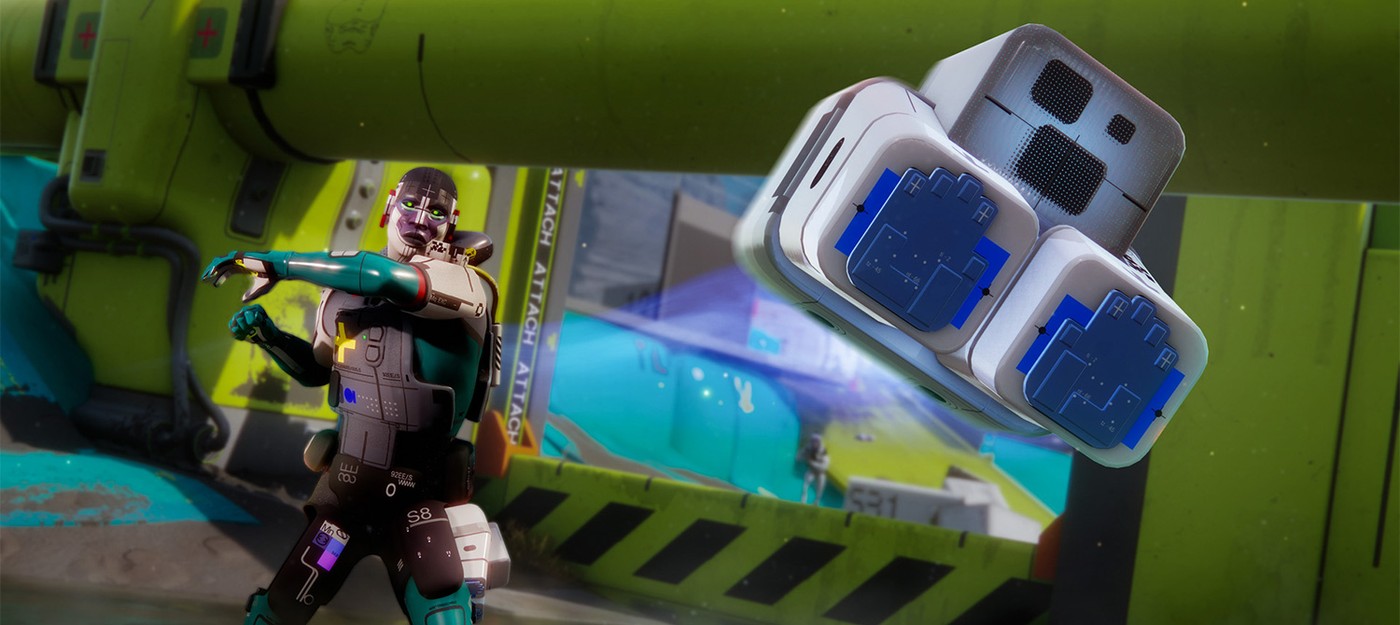
Your first minutes in Marathon during the server slam might be more frustrating than expected – and not because of the enemies. Right from the menu, the cursor starts stuttering, options open and close on their own, and inventory management becomes a nightmare. The only escape is switching to a controller.
Bungie has acknowledged the issue, posting a statement about mouse input problems both on social media and directly in-game. A fix is in the works, but for now the team has put out a list of workarounds to try.
If streaming, try streaming the whole screen and not the Marathon game window specifically. If not streaming, or if the above doesn't work, try disabling Discord or Steam overlays. For Steam click Settings → In Game and then toggling off 'Enable the Steam Overlay while in-game'.
Bungie also added:
"We are aware of some third-party utilities that can introduce this problem. Try closing any screen sharing, screen capture, or screen measurement utilities."
Overlays are a common culprit for this kind of thing, but disabling Steam and Discord overlays doesn't always do the trick. Some players report trying to close third-party mouse software like Razer Synapse, turning off Steam background recording, and even killing Nvidia Broadcast – all without success.
What consistently works is closing Discord entirely. Kill the app, relaunch Marathon, and mouse input becomes smooth again. Everything else can stay running. It's not ideal given that Discord is the go-to way to coordinate with friends before a match, but Bungie's in-game message does suggest the browser-based version of Discord as an alternative.
Bungie says a proper fix is coming – hopefully sooner rather than later, before everyone just gives up and grabs a controller.